
Visual Studio Code
AvailableBacumi Theme
A quiet workspace.
A warm point of focus.
Two coordinated appearances for your editor: graphite and amber in Bacumi Dark, warm neutrals in Bacumi Light. Free to use, with readable syntax and familiar focus.
Version 0.2.0 is available on the Visual Studio Marketplace. Includes Bacumi Dark and Bacumi Light.
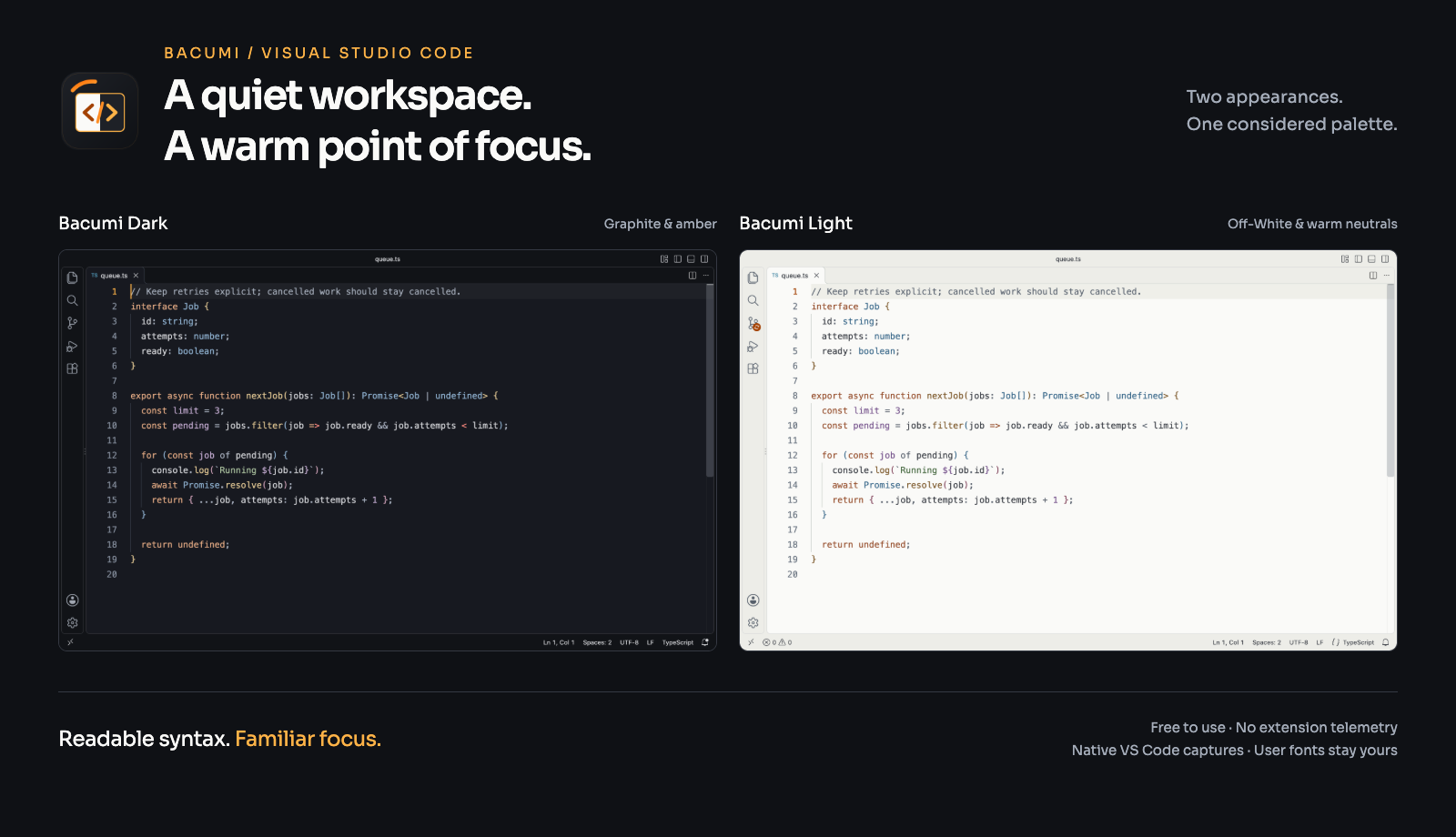
Two appearances. One considered palette.
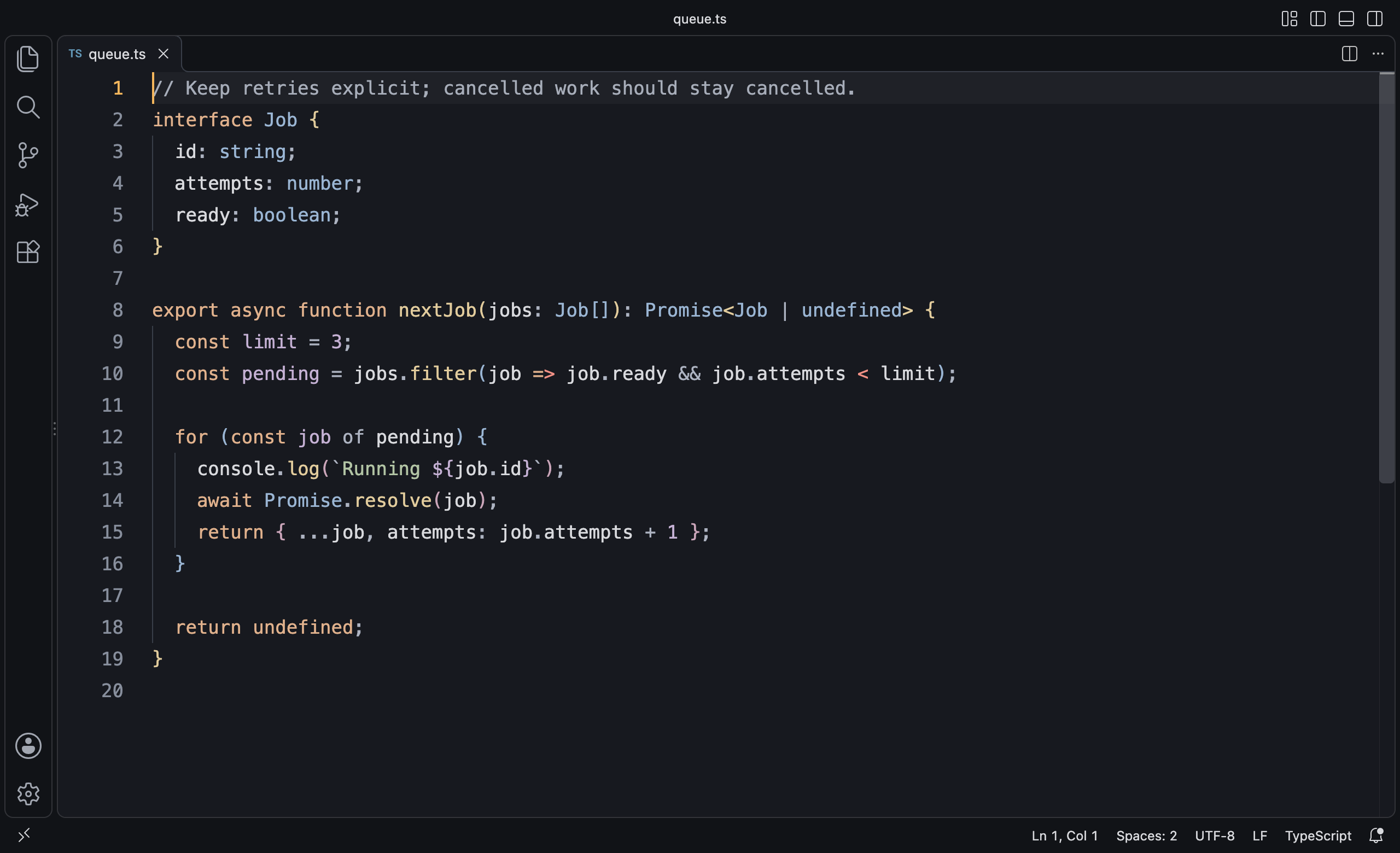
Bacumi Dark
Graphite surfaces, warm focus accents, and clear syntax colors.
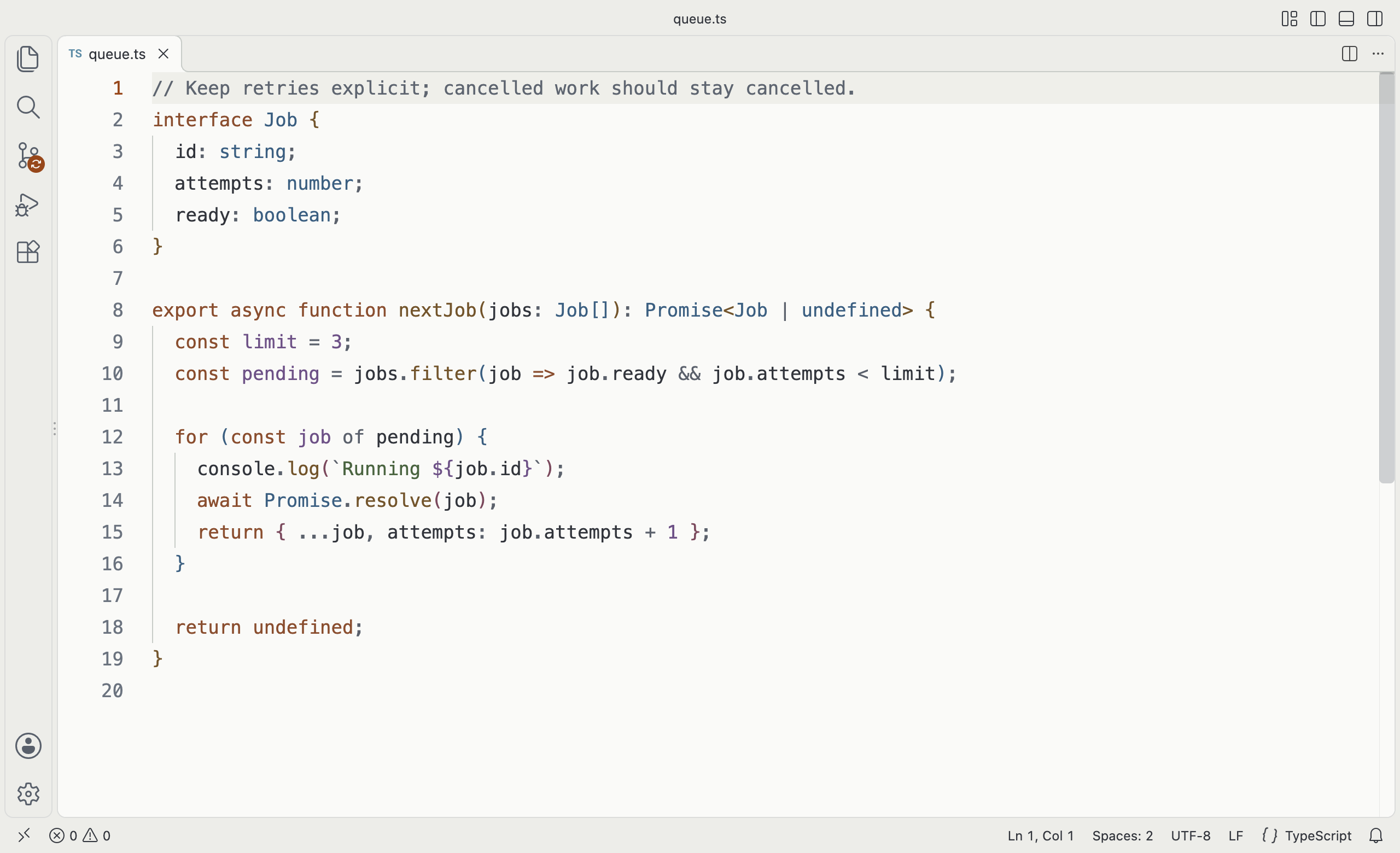
Bacumi Light
Off-White surfaces, warm neutrals, and deeper syntax colors.
Designed around your code
- Coordinated Light and Dark variants with the same syntax roles.
- Readable comments and semantic highlighting when supplied by your language extension.
- Colors for selections, search, diagnostics, Git differences, notebooks, and terminal output.
Quiet by construction
Static theme files, no executable entry point, no extension telemetry, and no runtime network requests. Your fonts, layout, keybindings, and file icons stay yours.
Free for personal and internal business use under the included proprietary license.